


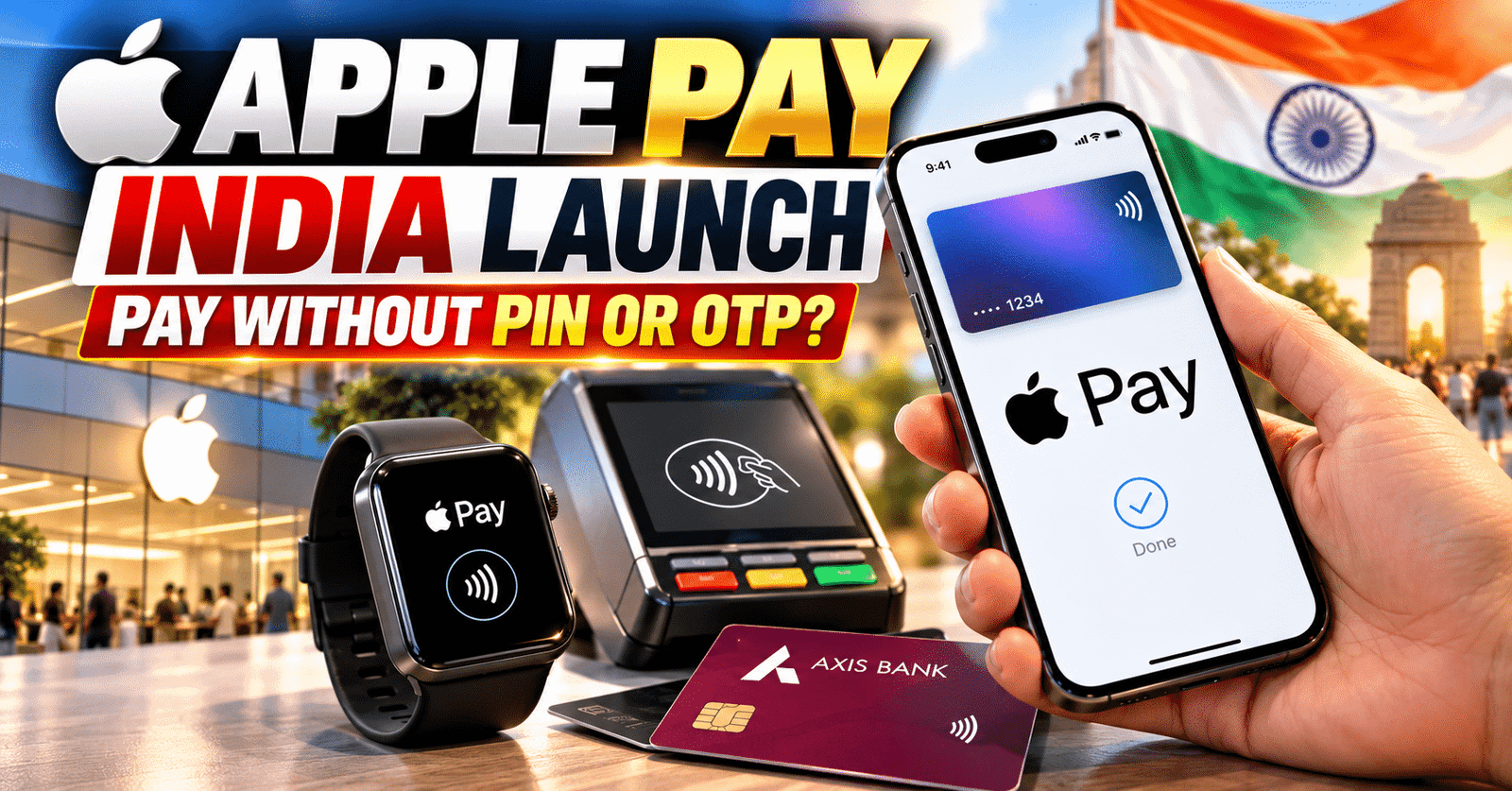
Apple Pay India Launch : Apple has introduced its digital payment service, Apple Pay, in India, offering iPhone and Apple Watch users a new way to make contactless payments. The service allows eligible users to pay at supported stores without entering their card PIN or OTP for every transaction. However, users must authenticate payments using Face ID, Touch ID, or their device passcode.
Written by Kajal Panchal • Published on : 11 October 2026
IBN24 NEWS NETWORK : Axis Bank has become the first banking partner for the service. Initially, eligible Axis Bank Visa and Mastercard credit cards are supported. Moreover, Apple plans to expand the service by adding more banks, card networks, and merchants over time.
How Does Apple Pay Work ?
Apple Pay allows users to add eligible credit cards to the Apple Wallet app on their iPhones. Once the card is added, users can make payments at stores that support contactless transactions.
To pay using an iPhone, users need to double-click the side button or Home button, depending on their device. They must then verify their identity using Face ID, Touch ID, or their device passcode. Finally, they can hold the top of their iPhone near a contactless payment terminal to complete the transaction. Similarly, Apple Watch users can double-click the side button and hold their watch near the payment terminal. Additionally, Apple Pay can be used for online purchases through supported apps and websites.
How to Add an Axis Bank Credit Card to Apple Wallet
Eligible Axis Bank Visa and Mastercard credit cardholders can add their cards to Apple Wallet by following these steps:
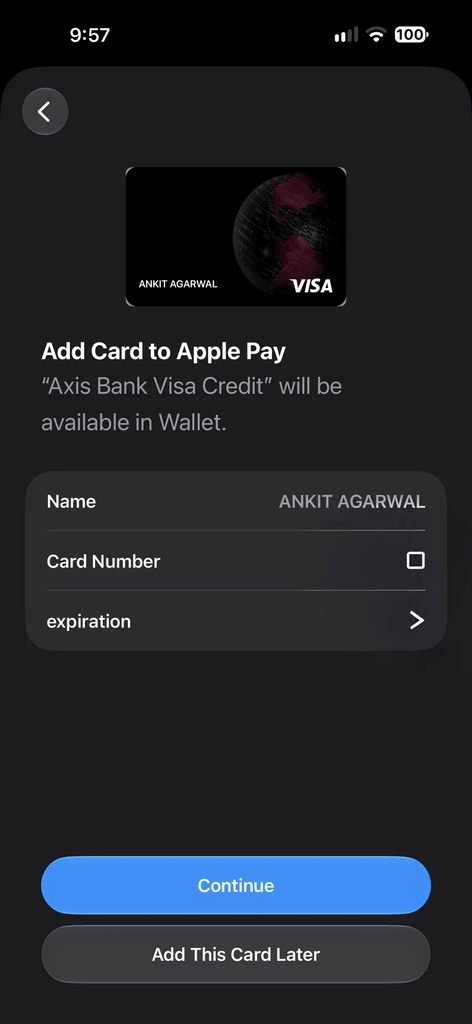
- Open the Apple Wallet app on your iPhone.
- Tap the plus (+) icon.
- Scan your credit card or enter the required details.
- Follow the on-screen instructions and complete the bank’s verification process.
- Once the card is added, use Apple Pay at participating merchants.
Some users may also be able to add their cards through their bank’s app. However, this option depends on the bank, card eligibility, and available integration.
Why Are PIN and OTP Not Required for Every Payment ?
Apple Pay uses device authentication to help secure transactions. At physical stores, users can verify their identity through Face ID, Touch ID, or their device passcode before making a payment.
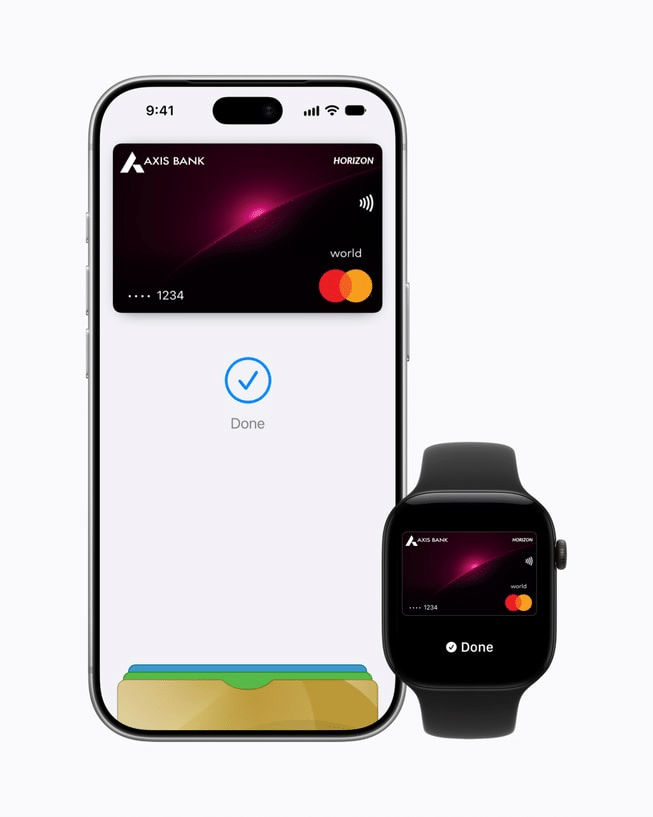
As a result, users generally do not need to enter their card PIN or OTP for every supported contactless transaction. However, additional verification may still be required depending on the bank, card network, merchant, or transaction.
Security : Your Actual Card Number Is Not Shared With Merchants
Apple Pay uses a security technology called tokenization. Instead of using the actual card number during transactions, the service uses a unique Device Account Number associated with the device. This number is encrypted and stored in a dedicated security chip known as the Secure Element. Consequently, the merchant does not receive the user’s actual card number during the payment process.
According to Apple, actual card numbers are not stored on the device or Apple’s servers in the usual manner used for payment processing. This approach helps reduce the risk of sensitive card details being exposed. Nevertheless, users should keep their device passcodes secure and avoid suspicious payment requests or links.
Which Stores and Apps Support Apple Pay in India ?
The initial list of reported merchants and platforms includes Blinkit, Chaayos, Comet, Croma, Interflora, MakeMyTrip, ixigo, Le 15 Patisserie, Reliance Brands, Tata 1mg, Zomato, and Apple Stores.
Apple has also identified payment service providers such as Cashfree, Juspay, Mswipe, Paytm, PayU, Pine Labs, Razorpay, and Worldline as part of the broader payment ecosystem. However, actual availability may vary by merchant, payment terminal, card eligibility, and service integration. Users should check whether Apple Pay is supported at their preferred store before attempting a transaction.
Which iPhones and Apple Watches Are Compatible ?
According to the stated requirements, Apple Pay support is available on iPhone XR or later models running iOS 18 or a newer version. For Apple Watch users, the stated requirements include Apple Watch Series 6 or later running watchOS 11 or newer, paired with a compatible iPhone.
Users should confirm their device compatibility and card eligibility before setting up the service, as requirements may vary according to regional availability and participating banks.
What Are Tokenization and Secure Element ?
Tokenization replaces sensitive payment information with a unique digital identifier, reducing the need to share the actual card number during transactions.
The Secure Element is a dedicated security chip that stores sensitive payment credentials in a protected environment. Apple Pay uses these technologies to help safeguard payment information and improve transaction security.
What Benefits Can Apple Pay Offer Indian Users ?
Apple Pay can make payments more convenient for iPhone and Apple Watch users. They can pay at supported stores without taking out a physical card or manually entering card details for every transaction. Furthermore, online checkout can become easier on compatible apps and websites. Eligible cardholders may also continue receiving applicable rewards and benefits according to their bank’s terms and conditions.
However, the service’s wider adoption will depend on how quickly additional banks, card networks, and merchants become available. The launch of Apple Pay adds another option to India’s digital payment ecosystem. For users, the next step is to check whether their bank, credit card, device, and preferred merchants support the service.
Please also read this article :
Instagram: https://www.instagram.com/ib